
Our Resources
Empowering the Community Through Knowledge
At the Whitewood Public Library, we are dedicated to providing a wealth of resources to patrons of all ages. From toddlers to seniors, everyone can find something valuable in our collection. Our library is a hub of learning and community engagement, where you can access books, digital resources, and participate in a variety of educational activities.
Public Computers
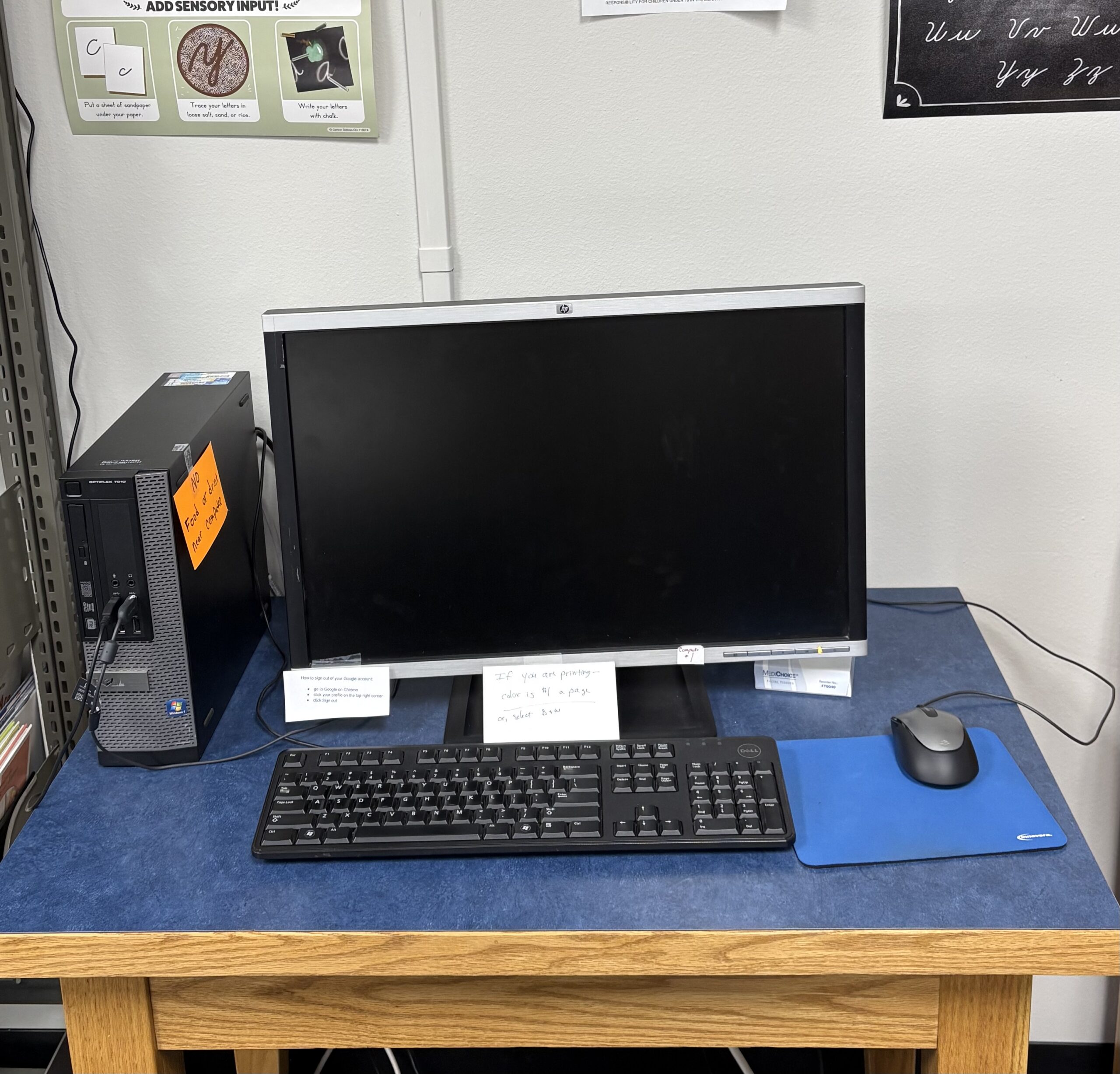
We have computers and tablets available for public use! 2 computers are in the adult resource room, and 2 are available in the main area for children. Tablets and headphones are available at the front desk upon request.
Homeschool Resource Section
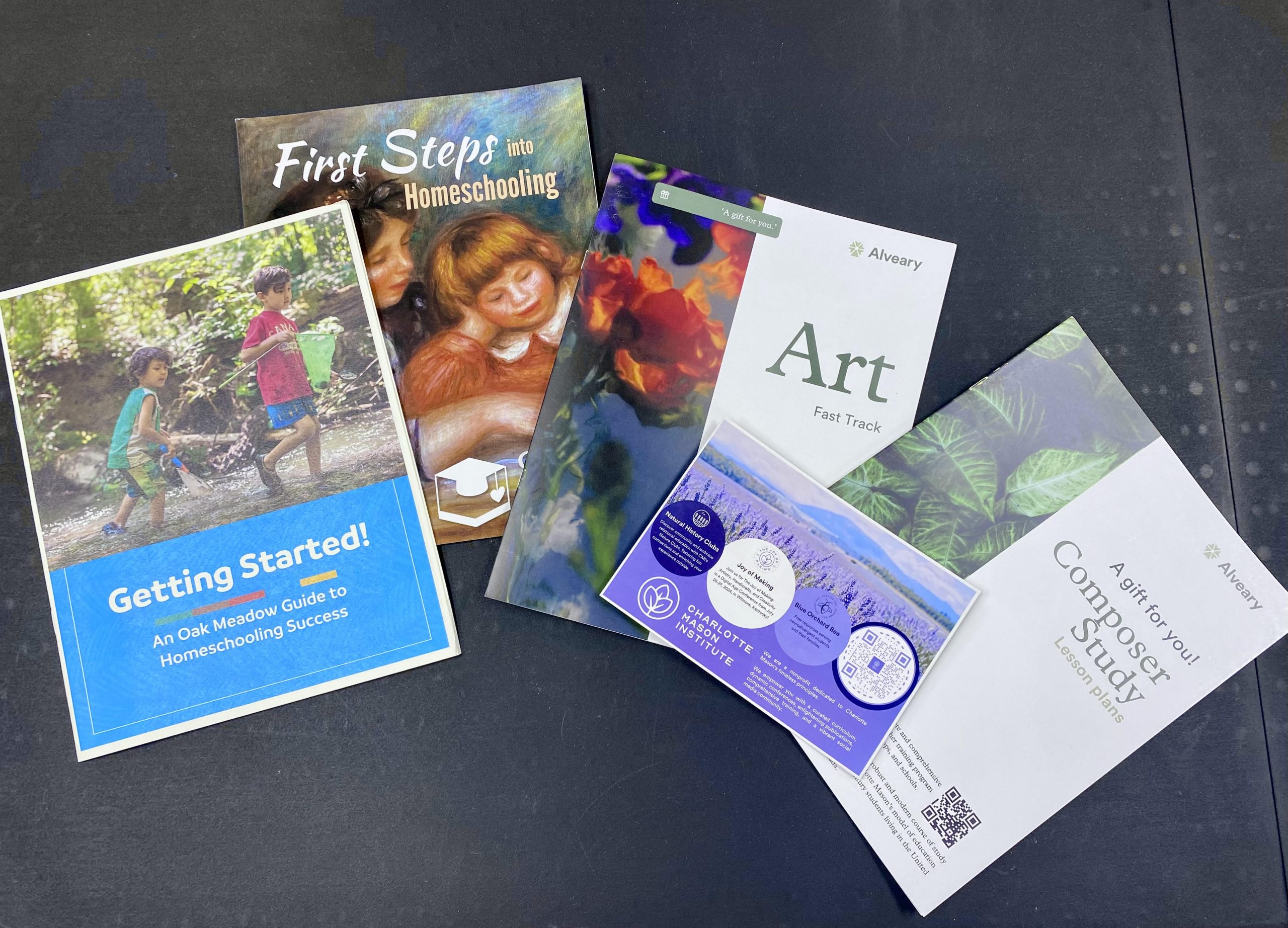
The Homeschool Resource Section is a wonderful educational resource for local teachers, tutors, and parents. It is comprised of two parts:
- Curriculum (Not Available for Checkout): A collection of various homeschool curricula is available for parents to browse when making decisions about curriculum purchases. These resources allow families to explore different options without the commitment of buying them.
- Hands-On Materials (Available for Checkout): This section includes educational resources like flashcards, math materials, educational technology, puzzles, etc. Items are available for checkout for 3 weeks at a time.
Adult Resource Center
The Adult Resource Center is available for public reservations. There are 2 computers available, one of which is equipped for Zoom calls. Perfect for small meetings, Bible studies or tutoring!
Call Whitewood Public Library at (605) 269-2616Prompts to open in a new application. to reserve it.
Printer
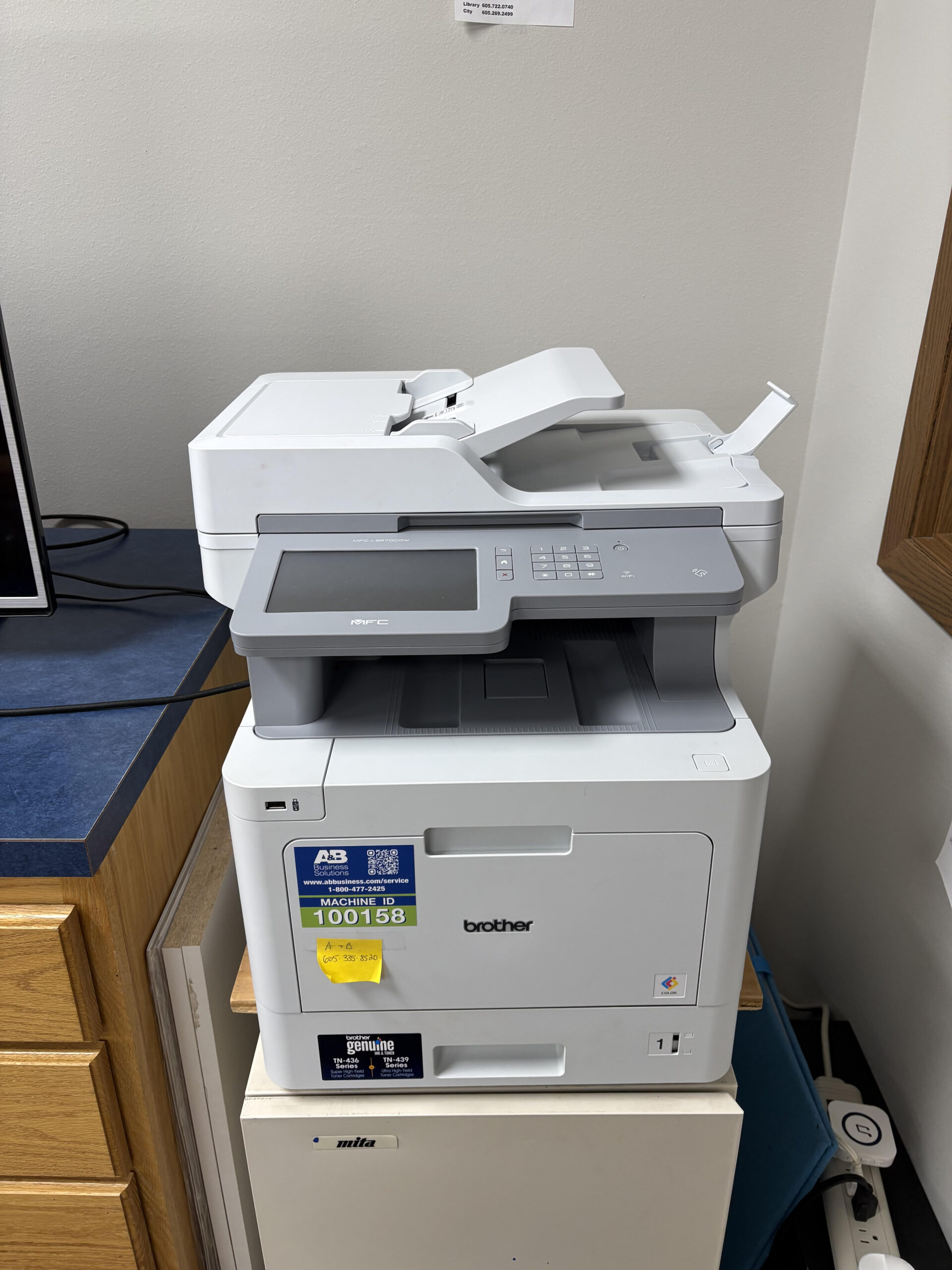
Our printer is available for copies, scans, and fax!
Copies:
B&W -10 cents/page
Color- $1/page
SCAN IS FREE
Fax:
$1 for first page, $.50 for additional pages
Fax #
Library 605-722-0740
City 605-269-2499
Job Services
Click to find online job services and job opportunitiesThe following links open in a new tab. , or call (605) 269-2616Prompts to open in a new application. to connect with a job advisor today!
Imagination Library
Database Quick Guide
How can I access the databases?
• Instantly, without a login, anywhere in South Dakota’s geographic borders.
• Out-of-state using your local library card or SD State Library eCard. Login required.
Go to library.sd.gov > “ELECTRONIC RESOURCES” OR visit your library website.
Learn how to use the databases
• Go to library.sd.gov/LIB/ERD to learn more about the resource,
including webinars & tutorials.
• Contact your local library to learn more.
Visit library.sd.gov > “ELECTRONIC RESOURCES” for a complete list of databases in alphabetical order
Free E-Books and Audio Books
Download free eBooks and audiobooks directly to your portable devices and computers through our Libby app. Thousands of titles are currently available, including recently published.
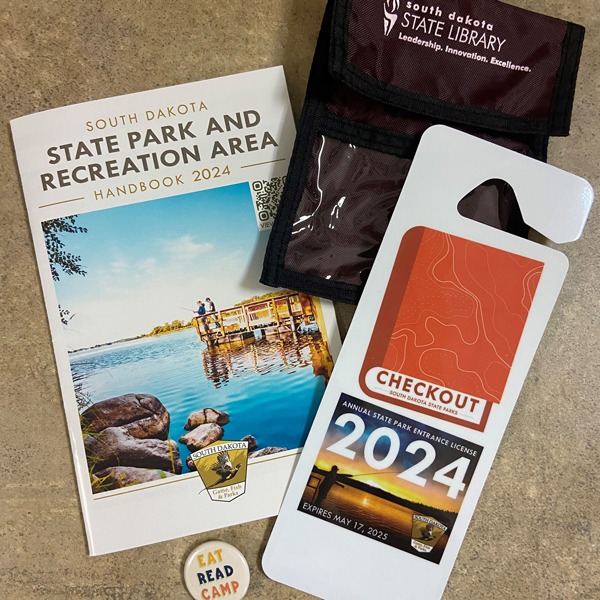
State Park Pass for Loan
The 2024 State Park pass has arrived! This is available for patron check out for up to 3 days and a patron may only check out the license once per month. Enjoy your State Parks!
Board
Board Members
Library Director- Deb Terhune
Sandy Smith – President
Karen Smith
Bruce White
Dorothy Martian
Kristi Heidrich
Ken Noren
Meeting Minutes
Meeting Agenda